Zlata Ivleva Side project
Can you touch grass on a screen? An experiment in hand tracking
At a glance
- The problem
- Touching grass is about as offline as it gets, and most of our day happens on a screen.
- The decision
- Build a field of grass that moves when you reach toward it, using hand tracking through an ordinary webcam.
2 min read
- Built with
- React, Vite and Google's MediaPipe hand tracking
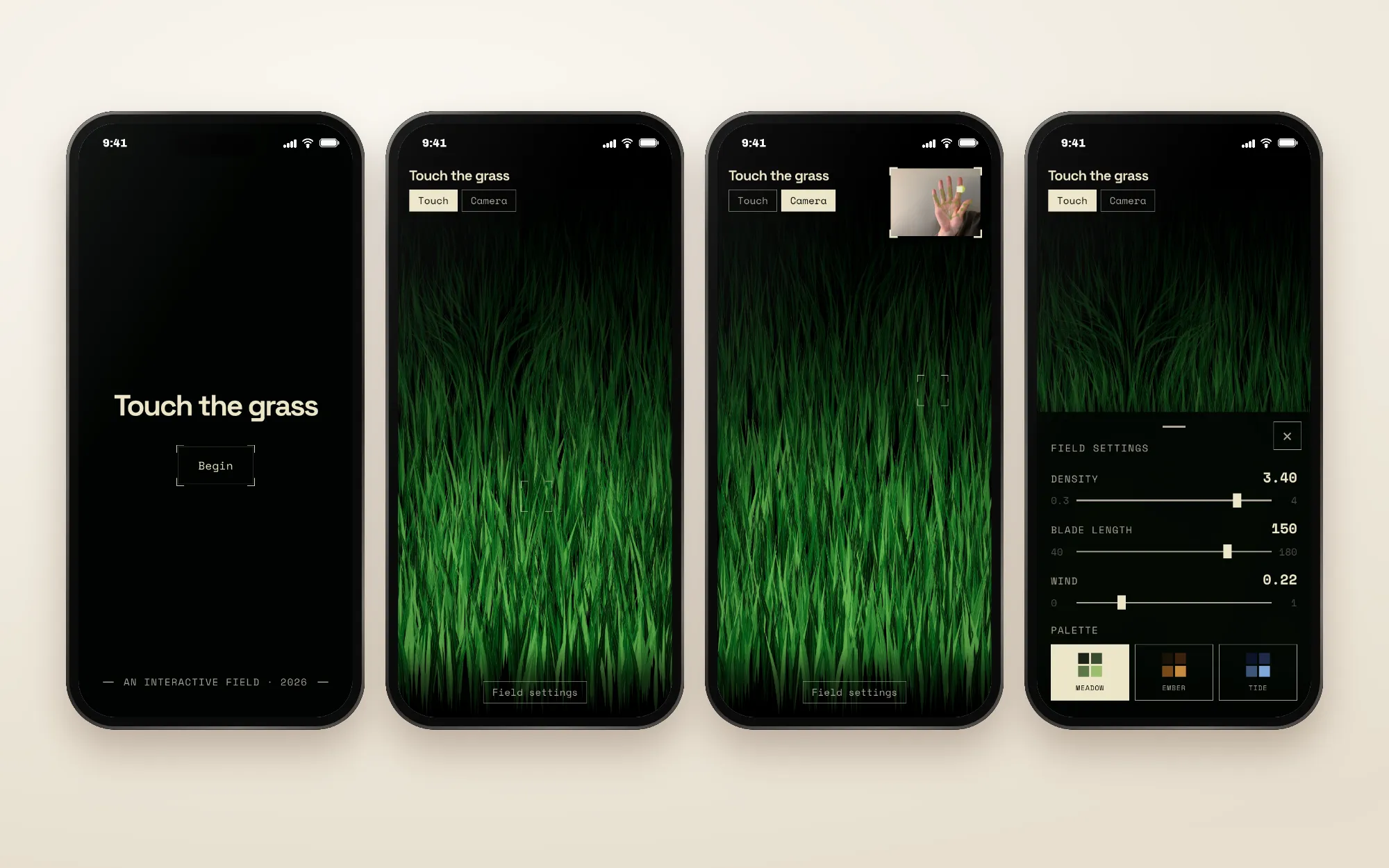
“Touch grass” means log off, so I tried to bring the feeling onto the screen
“Touch grass” is the internet’s way of telling someone to put the phone down and go outside. I wanted to see what happens if you combine that most physical, non-digital thing with the device you’re already holding in your hands. Can you touch grass on a screen? It started as an art experiment, and a reason to try two tools that were new to me: Claude Design, and Google’s MediaPipe, which tracks your hand through a regular webcam right in the browser.
Tracking one fingertip instead of the whole hand made the grass respond the way you’d expect
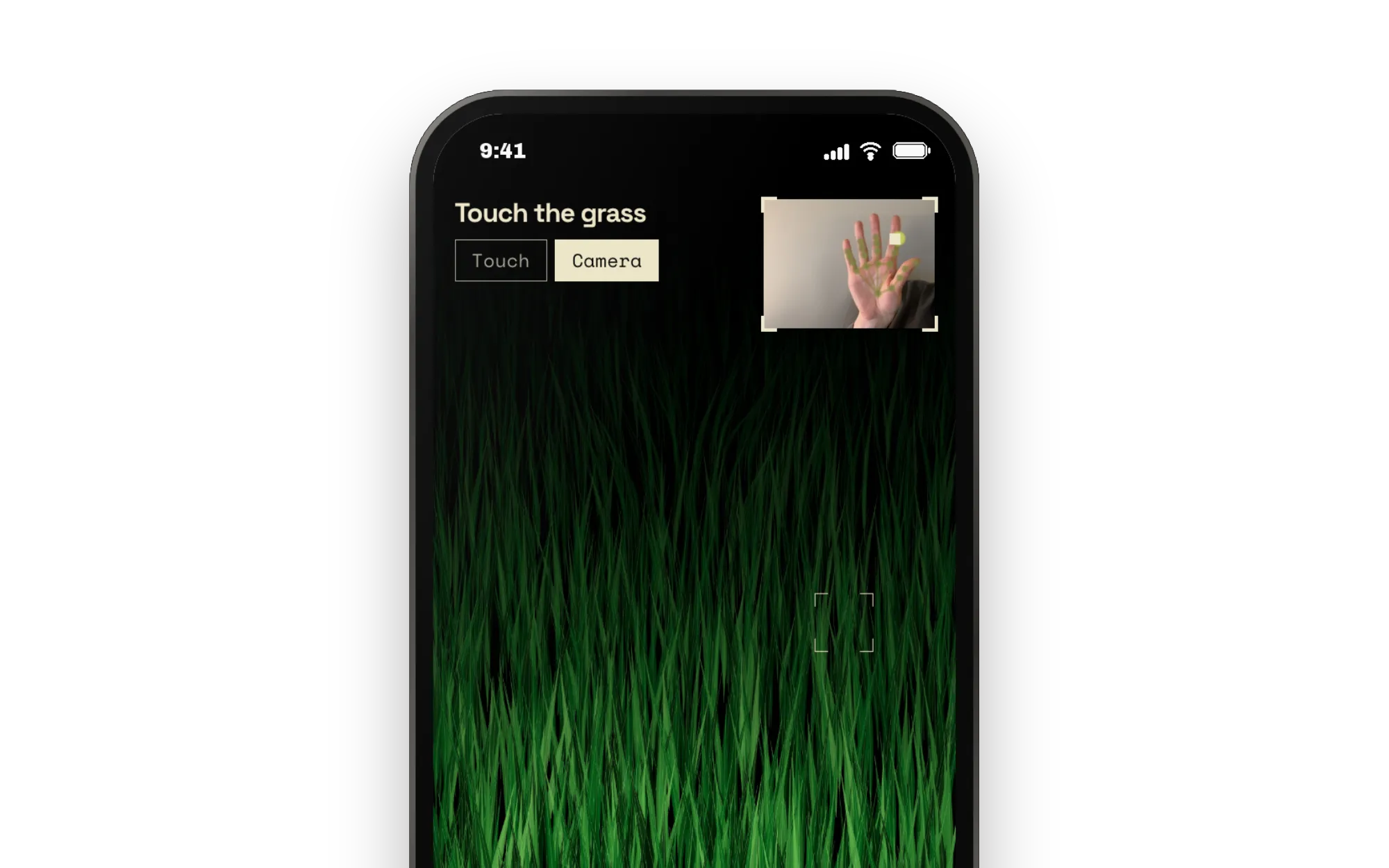
MediaPipe sees 21 points on your hand. The first version followed the center of the palm, and every small tremor shook the grass. I narrowed the input to a single point, the tip of the index finger, because that’s where people naturally point when they reach for something. Then Claude and I added a smoothing filter, so the grass holds still when your hand pauses but still keeps up with a fast swipe. On phones that can’t run the tracking on the graphics chip, it falls back to the main processor and tracks at 30 frames a second to save battery.
Getting the grass to feel soft took ten rounds of refinement
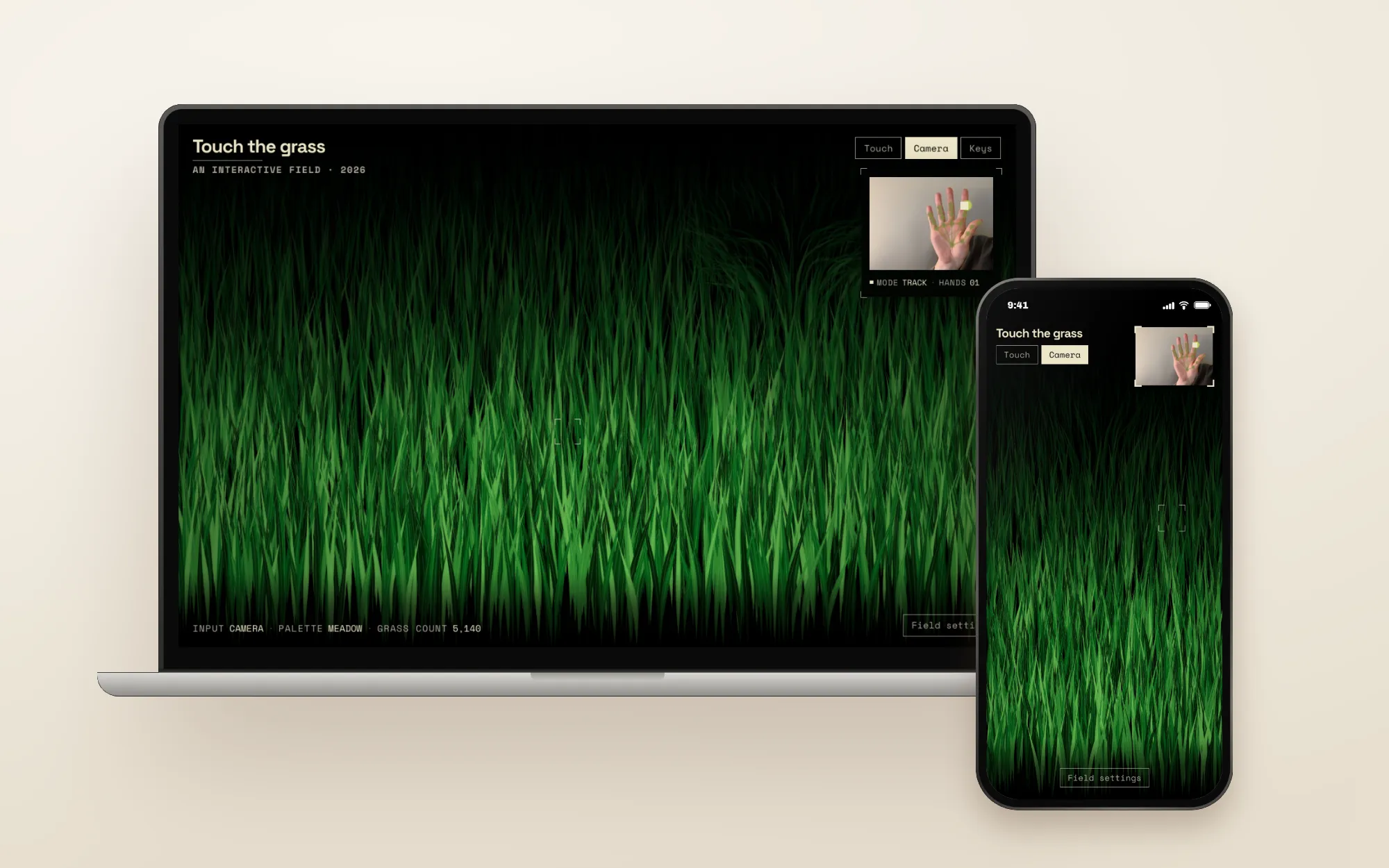
With a product like this, the interaction is the whole experience, so I judged every change by moving through the digital field myself. Getting the grass to feel soft and natural took a lot of back and forth. Some changes that were more technically correct made the grass feel stiff or rubbery, and I had to undo them and start again. The version that shipped is the one where the grass bends smoothly around your finger and settles back on its own, the way real grass does.
Hands are optional: touch, mouse and keyboard make the experience open to everyone
Turning on a camera is a big ask. Not everyone wants to, not every room has good light, and not everyone can use hand gestures. So I designed for three inputs: a finger or a mouse, a hand on camera, or the arrow keys. The camera is only requested if you choose it, and the keyboard option is hidden on phones and tablets, where there’s no keyboard to use. It went from first prototype to live website in about a day.